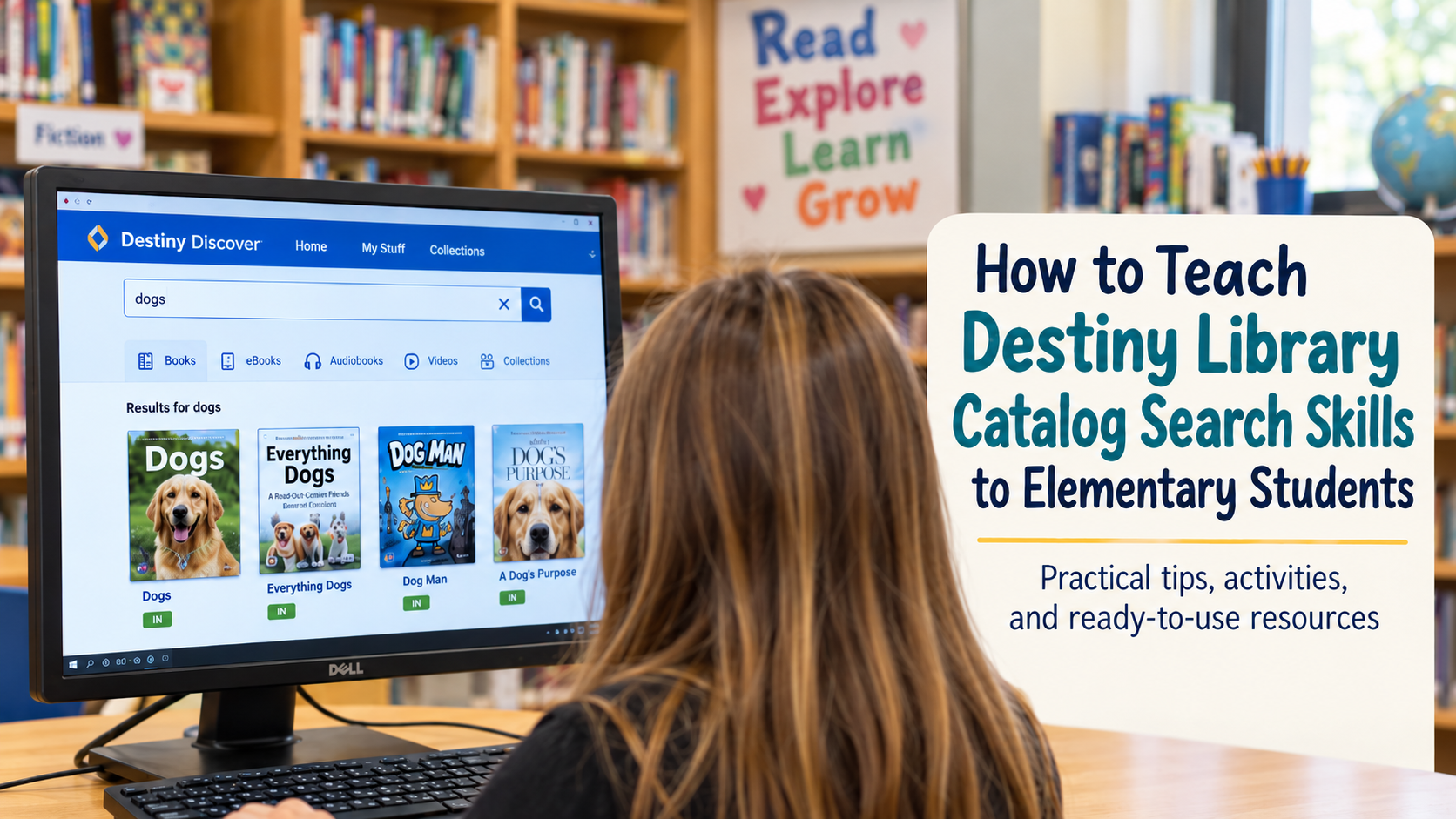
We have all been there. You gather a class of third or fourth graders on the library rug, pull up Destiny on the projector, and start walking through how to search for books. Within five minutes, half the room is staring at the ceiling, two kids are tying their shoes together, and someone is asking if they can go to the bathroom. Then, five minutes later during checkout, a student comes up and asks, “Where are the dog books?. You remind them that was the search you just showed them!
Teaching students how to use the library catalog is an important part of helping them become independent library users. But simply showing students where to click usually isn’t enough. They need opportunities to search, make mistakes, read catalog records, locate call numbers, and actually find books on the shelves.
If you use Destiny in your elementary library, these strategies can help make catalog lessons more interactive, practical, and meaningful for students.
1. Keep the Lesson Short
It can be tempting to explain everything students can do in Destiny during one lesson. Don’t. There is a lot of information on a catalog screen, especially for elementary students. If we explain search types, call numbers, availability, sublocations, subjects, summaries, series information, holds, and everything else at once, most students are going to remember very little of it. Instead, keep the whole-group portion of the lesson brief.
Choose one or two skills to focus on at a time.
For example, one lesson might focus only on:
- How to enter a search term
- The difference between a keyword and title search
- How to tell whether a book is available
During another lesson, you can introduce call numbers and locating books on the shelf.
Always search the catalog with the students if possible. Students get to see what actually happens when I type something into the catalog.
And don’t be afraid to make mistakes on purpose! Type something incorrectly. Choose the wrong search type. Search for something that gives you too many results.
Then ask: “What should I try next?”
Students begin to see searching as a problem-solving process instead of something where there is always one perfect answer.
A Note About Misspelled Searches
This is also a good opportunity to talk about spelling. Destiny Discover can automatically correct some misspelled searches when the original search doesn’t return results. Even so, students still need to recognize when their search isn’t giving them what they expected.
Try searching for a familiar topic and talk about strategies students can use when a search isn’t working:
- Check the spelling.
- Try a simpler word.
- Remove unnecessary words.
- Try a related word or synonym.
- Change the type of search.
Knowing what to do when a search fails is one of the most useful catalog skills we can teach.
2. Teach Students the Difference Between a Topic and a Title
This is one of the biggest sources of confusion I notice.
A student says:
“I want a book about sharks.” Then they type sharks into a title search. They assume that every book about sharks must have the word sharks in the title. This is the perfect opportunity to compare different types of searches.
Try searches such as:
Topic: football
Title: football
or
Topic: dinosaurs
Title: dinosaurs
Look at how the results change.
Ask students:
- Which search gave us more choices?
- Why did some books disappear?
- When would searching by title make more sense?
- What if I already know the author’s name?
You don’t need elementary students to memorize every search option. What they really need to understand is that how they search affects what they find.
3. Teach Students How to Read a Catalog Record
Finding a book in the search results is only the beginning. Students also need to know what information is important once they find a book they want. Instead of trying to explain every piece of information in a Destiny record, focus on the information students actually need.
I call these the Big Three:
1. Is the book available?
Students should always check whether the book is available before walking across the library looking for it. This sounds obvious to us. It is not obvious to an eight-year-old.
2. What is the call number?
Students need to recognize that the call number tells them where to begin looking. Depending on your library, examples might include:
- E WIL
- FIC KIN
- 599.7 JEN
- BIO PAR
This also creates a natural connection to lessons about fiction call numbers, alphabetical order, and the Dewey Decimal System.
3. What section or location is the book in? (if applicable)
Some libraries have separate areas for graphic novels, beginning readers, picture books, biographies, chapter books, or other special collections. Students need to learn that finding the call number doesn’t necessarily tell them everything. They may also need to look at the location or sublocation before heading to the shelves. The goal is for students to get into the habit of checking this information before leaving the computer.
4. Make the Screen-to-Shelf Connection
This is probably the most important part of teaching catalog skills. A student can successfully find a book in Destiny and still have absolutely no idea how to find that book in the actual library. The biggest gap in catalog instruction often happens between the screen and the shelf.
One of my favorite ways to practice is with a simple two-part challenge.
Step One: Search
Give students a search task such as:
Find a nonfiction book about space.
Students use Destiny to locate a book and record:
- Title
- Author
- Call number
- Availability
- Location, if applicable
Step Two: Find It
Now comes the important part. Students leave the computer and use the information they recorded to locate the actual book on the shelf. Once they find it, they bring it back and compare the book to the catalog record.
Did they find the correct title? Does the call number match? Was it where they expected it to be?
5. Scaffold Destiny Skills by Grade Level
Not every elementary student needs to learn the same catalog skills. A second grader who is just beginning to search independently needs something very different from a fifth grader preparing for middle school.
Here is one possible progression.
| Grade | Suggested Destiny Skills | Activity Ideas |
|---|
| 2nd Grade | Basic title and author searches, identifying whether a book is available, recognizing simple call numbers | Partner searches using familiar authors and books |
| 3rd Grade | Keyword searches, basic catalog records, fiction call numbers, locating books on shelves | Guided task cards and simple catalog scavenger hunts |
| 4th Grade | Keyword vs. subject searches, nonfiction call numbers, sublocations, using search results | Screen-to-shelf scavenger hunts and catalog challenges |
| 5th Grade | Refining searches, series searches, summaries, holds, locating research materials | Independent searches, research challenges, escape rooms |
Of course, every library and group of students is different. Some second graders may be ready for more, while fifth graders who haven’t used the catalog very often may need to start with the basics. The important thing is to build the skills gradually.
6. Teach Students What to Do When They Get Too Many Results
Searching for dogs and getting hundreds of results can be almost as frustrating as getting zero results. Students need to know that searching isn’t just about typing something into a box.
Sometimes they need to change the search. Turn this into a challenge.
Start with a very broad search such as:
animals
Then ask students how they could make it more specific.
Maybe they try:
ocean animals
Then:
sharks
Then:
great white sharks
You can do the reverse as well. Search for an extremely specific phrase that produces very few results and ask students how they could broaden it. This helps students understand that good searching often requires trying more than once. That is a skill that transfers far beyond the library catalog.
7. Use Library Centers When Devices Are Limited
Catalog practice gets tricky when you have 25 or 30 students and only a handful of computers available. Instead of having everyone wait for a turn, create library skills stations.
For example:
Station 1: Destiny Search Students complete catalog search challenges using computers or Chromebooks.
Station 2: Call Number Practice Students put fiction call numbers in alphabetical order or arrange nonfiction call numbers in Dewey Decimal order.
Station 3: Catalog Record Practice Students examine sample catalog records and answer questions about the title, author, call number, and availability.
Station 4: Shelf Search Students receive a call number and locate the corresponding area or book in the library.
Station 5: Reading and Checkout Students browse, read independently, and choose books.
Stations keep students moving while still giving everyone hands-on catalog practice.
8. Turn Catalog Practice Into a Game
Once students understand the basics, catalog skills are perfect for games, scavenger hunts, and escape room activities. Instead of asking:
“What is the call number of this book?”
Put the same skill into a challenge:
“You have five minutes to find a mystery book that is currently available. Record the title, author, and call number.”
Suddenly the same catalog search feels completely different.
You can also challenge students to:
Find a book written by a specific author.
Locate the newest book about a topic.
Find a nonfiction book in a certain Dewey category.
Find the next book in a series.
Locate an available graphic novel.
Find a book about a teacher-selected research topic.
Search for a book and then physically locate it on the shelf.
The catalog becomes a tool students are actually using rather than something they are simply learning about.
9. Don’t Teach Catalog Skills Only Once
One of the biggest mistakes we can make is teaching Destiny during library orientation in September and assuming students will remember everything in February. They won’t.
Catalog skills need to be revisited throughout the school year. Fortunately, this doesn’t mean teaching the entire lesson again. Spend five minutes before checkout with a quick search challenge. Display a catalog record and ask students to identify the call number. Put a Destiny search question on the board as students enter. Have students use the catalog to locate books related to a current classroom science or social studies unit. The more often students use the catalog for an authentic purpose, the more independent they become.
Ready-to-Use Destiny Library Catalog Activities
If you don’t want to create all of these activities yourself, I have several Destiny library catalog resources available in my Teachers Pay Teachers store.
Destiny Library Catalog Activities: Search Skills, Scavenger Hunts & Task Cards
For direct instruction and ongoing practice, my Destiny Library Catalog Activities resource includes several different ways for students to practice catalog skills.
Students work with sample catalog records, practice keyword and subject searches, and use their own library catalog during hands-on activities.
The resource includes:
- An introductory Destiny catalog worksheet
- Keyword vs. subject search practice
- An assessment
- Five Destiny scavenger hunts
- 18 catalog task cards
- Search slips
- Hold request slips
- Editable PowerPoint files for selected activities

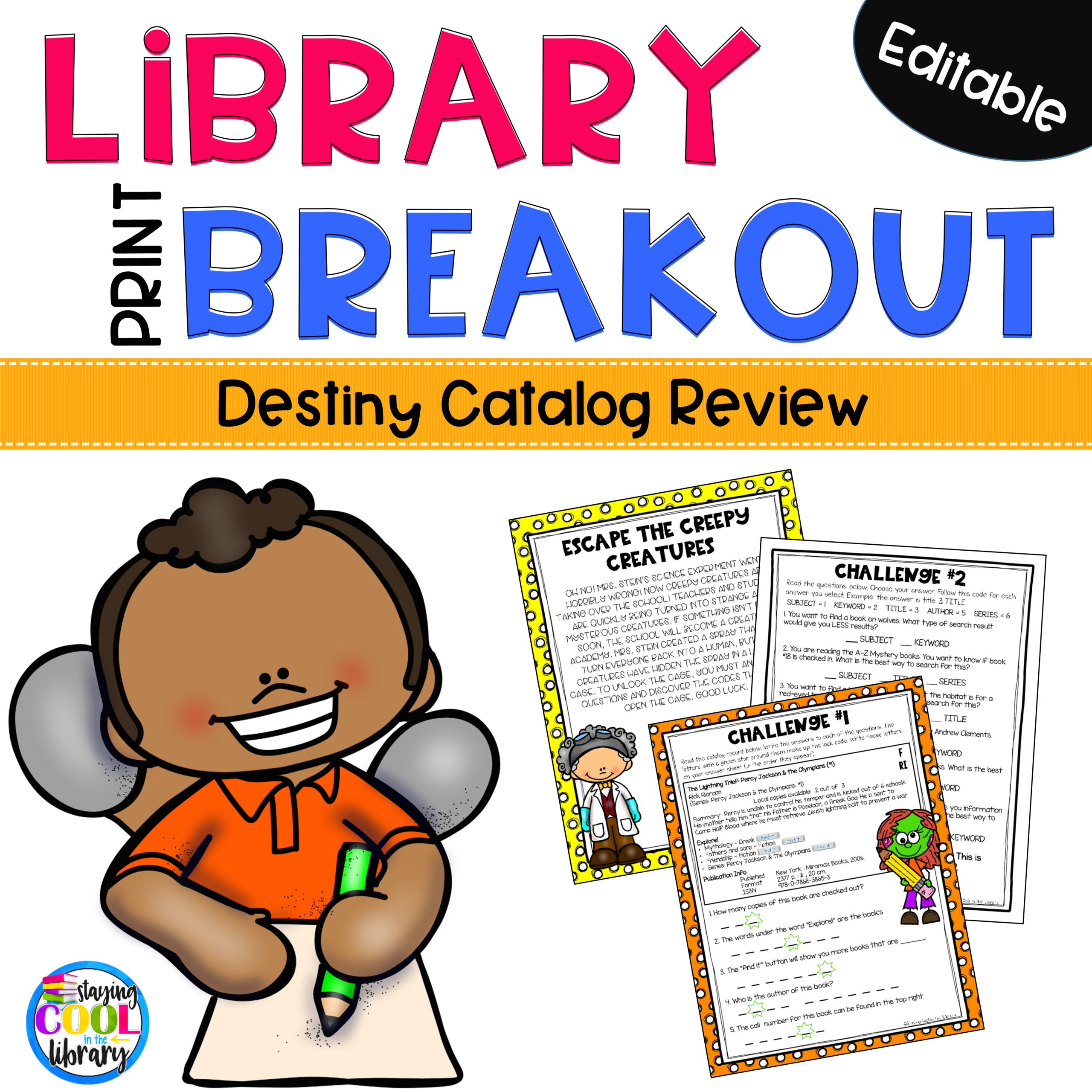
Printable Destiny Library Catalog Escape Room
If your students already know the basics and are ready for a challenge, the Destiny Library Catalog Escape Room turns review into a collaborative activity.
Students complete three challenges while practicing how to search the catalog, read catalog records, and locate important book information.
Parts of the activity are editable in PowerPoint, so you can customize searches to work with your own library collection.
It’s a fun choice for:
- Catalog review
- Partner or small-group work
- Library centers
- End-of-unit practice
- A change from a traditional worksheet
Digital Destiny Library Catalog Escape Room
Prefer a paperless option?
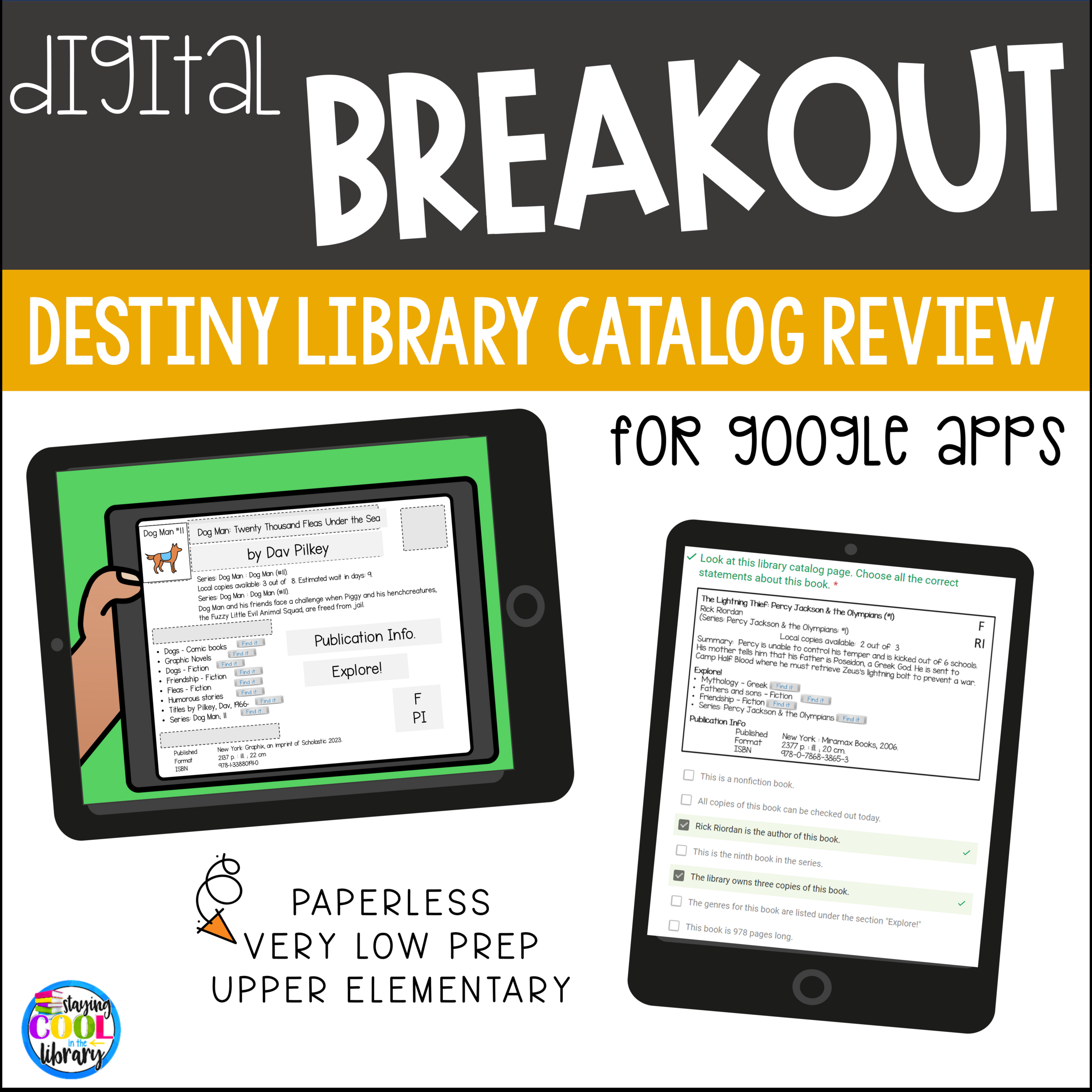
The Library Catalog Digital Escape Room lets students practice catalog search skills while completing digital challenges.
Students search and navigate the library catalog, interpret catalog records, match books with topics, refine search terms, and follow multi-step digital directions.
The breakout is hosted on a Google Site and uses interactive digital challenges, making it a fun way to review skills after students have already had some experience using Destiny.
This one works especially well with third through fifth graders working independently, with partners, or in small groups.